Agent Quickstart
This guide is for AI agents and humans configuring AI agents to use Mach5 One.
Agent task
Given a local machine with Mach5 One installed, an agent can:
- Start or verify the Mach5 One server.
- Confirm the version endpoint responds.
- Configure an MCP client.
- Discover MCP capabilities.
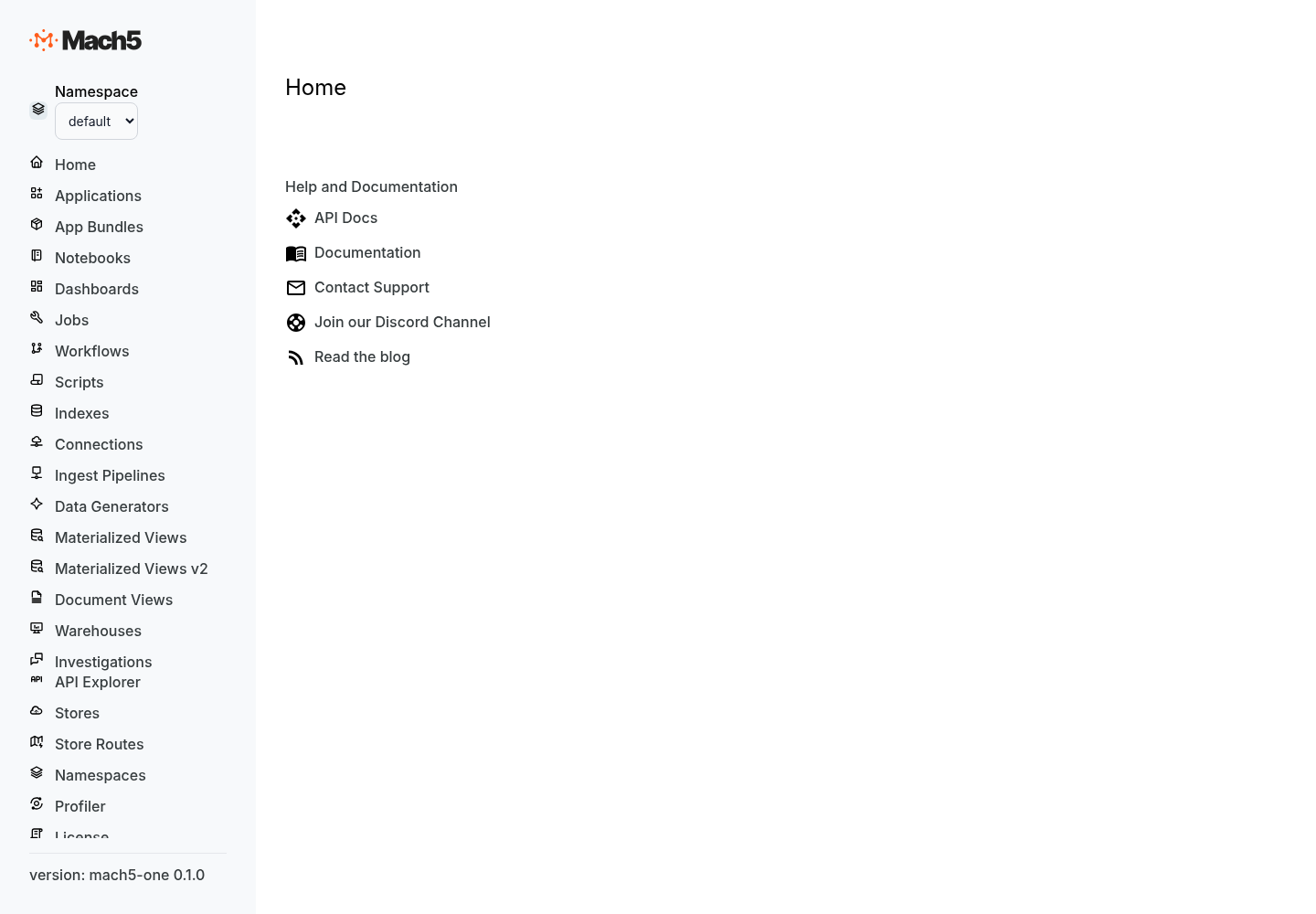
- Help the user navigate API docs and Data Explorer.
- Load data only with user approval.
- Run or help compose queries.
- Summarize results.
- File a useful runtime issue if something fails.
Read first
Start or verify the server
mach5-one start
In another terminal:
curl http://localhost:8080/version.txt
curl http://localhost:8080/session
Use the configured HTTP port if the user changed server.http_port.
Configure MCP
MCP endpoint:
http://localhost:8080/mcp
Example configs:
- Claude Desktop:
examples/agent-configs/claude-desktop/mcp-config.json - Cursor-style clients:
examples/agent-configs/cursor/mcp-config.json - Codex-style harnesses:
examples/agent-configs/codex/mcp-config.md
Discover capabilities
Agents discover the MCP server’s tools/resources/prompts dynamically.
Do not assume a specific tool name until discovery confirms it exists. If tool discovery fails, report:
- MCP client
- Server endpoint
- Runtime logs
- Error output
Navigate APIs
API reference:
http://localhost:8080/apis/rapidoc
OpenAPI document:
http://localhost:8080/apis/openapi.json
Data Explorer:
http://localhost:8080/
Reporting failures
Use GitHub Issues in this repo for runtime/install/MCP/doc failures.
Include:
Mach5 One version:
OS/architecture:
Install asset:
Config path:
Command:
Expected behavior:
Actual behavior:
Logs:
Reproduction steps:
MCP client, if applicable:
Remove secrets from configs and logs before filing public issues.
Do not report vulnerabilities publicly. Follow SECURITY.md.