Mach5 One Quickstart
This quickstart starts Mach5 One, opens the API reference, and connects to the SQL and MCP endpoints.
This page covers the Mach5 One local runtime path. The features reached through these endpoints are common Mach5 features shared across editions.
1. Initialize config
mach5-one init
2. Start Mach5 One
mach5-one start
The server prints endpoints similar to:
mach5-one ready at http://localhost:8080
  HTTP:    localhost:8080
  MCP:     http://localhost:8080/mcp
  pg-gw:   localhost:5432
3. Check the server
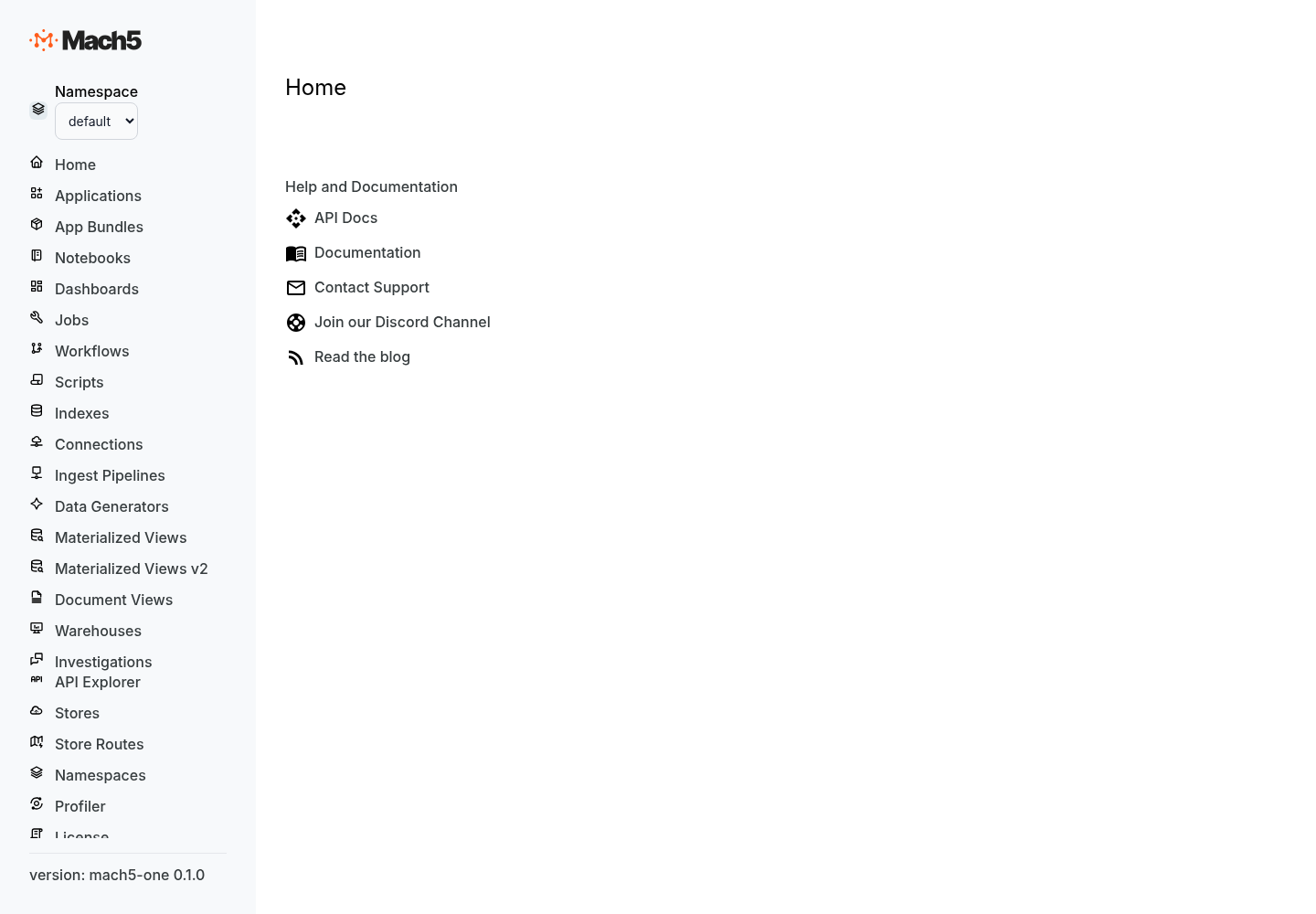
3. Check the server
curl http://localhost:8080/version.txt
curl http://localhost:8080/session
Open the API reference:
http://localhost:8080/apis/rapidoc
Open the OpenAPI document:
http://localhost:8080/apis/openapi.json
4. Open Data Explorer
If Data Explorer assets are configured, open:
http://localhost:8080/
See configuration.md for ui.dex_dist_path.
5. Connect with SQL
Mach5 One exposes a PostgreSQL-compatible endpoint on the configured pg_port.
Example:
psql -h localhost -p 5432 -U local -d default
Run SQL from your PostgreSQL-compatible client after creating or loading data through Data Explorer or the Mach5 APIs.
6. Connect an agent through MCP
MCP endpoint:
http://localhost:8080/mcp
See mcp.md and agent-quickstart.md.
7. Stop Mach5 One
Press Ctrl-C in the terminal running mach5-one start, or send SIGTERM to the process.
What to do next
- Configure the server:
configuration.md - Load data:
ingest-examples.md - Query data:
query-examples.md - Connect agents:
agent-quickstart.md - Troubleshoot:
troubleshooting.md